
A match day post in seconds
The app builds a match day graphic for your team's next game, with the crests, the date, the kickoff time and the field already filled in. Pick a design, size it for your feed or your story, and share it.


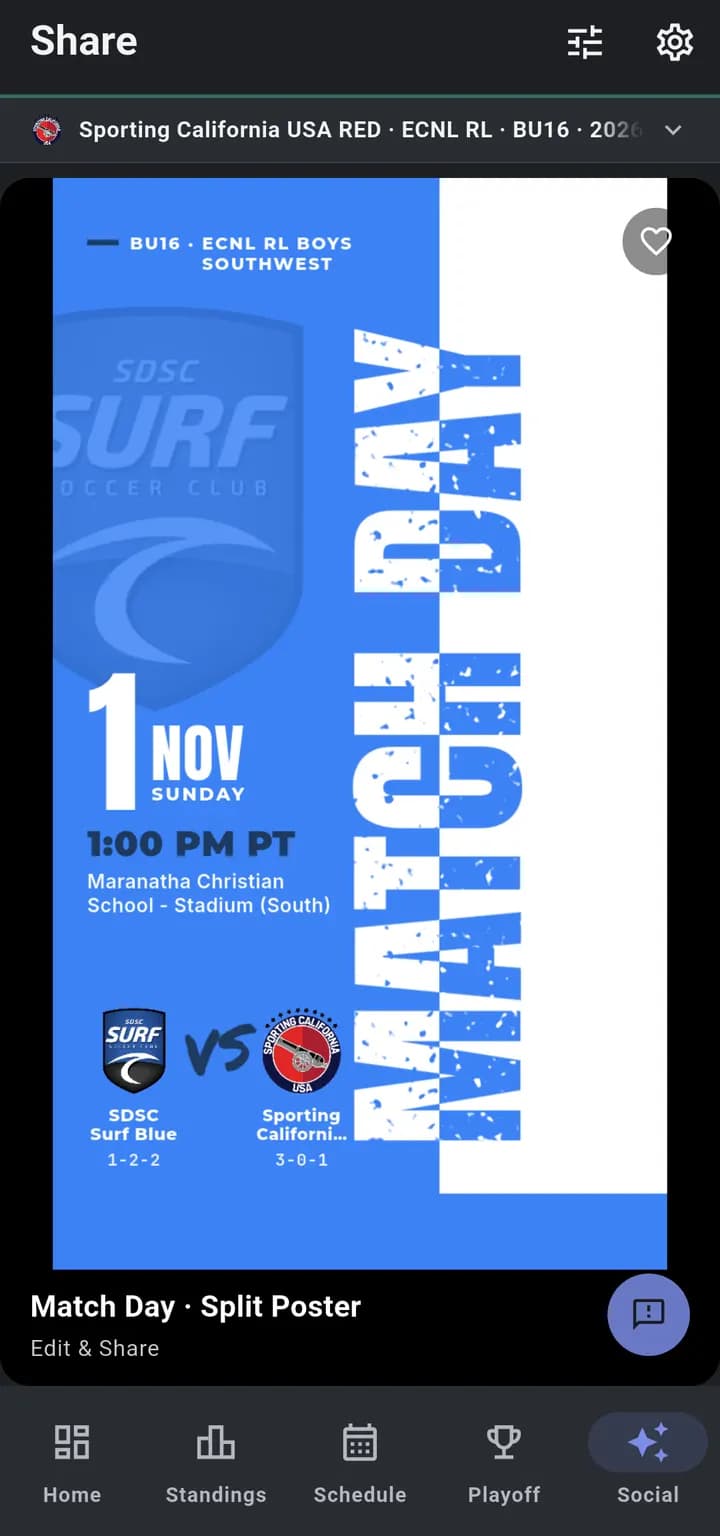
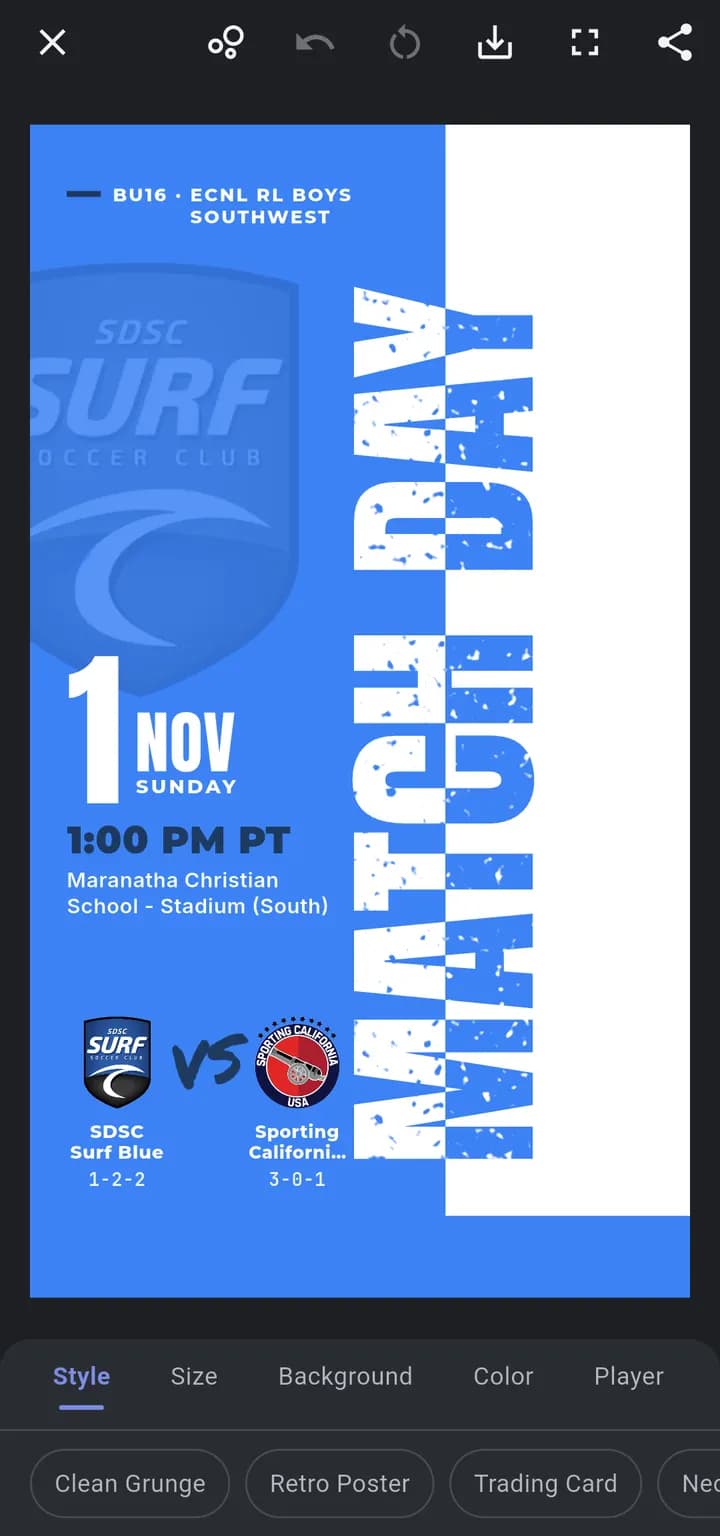
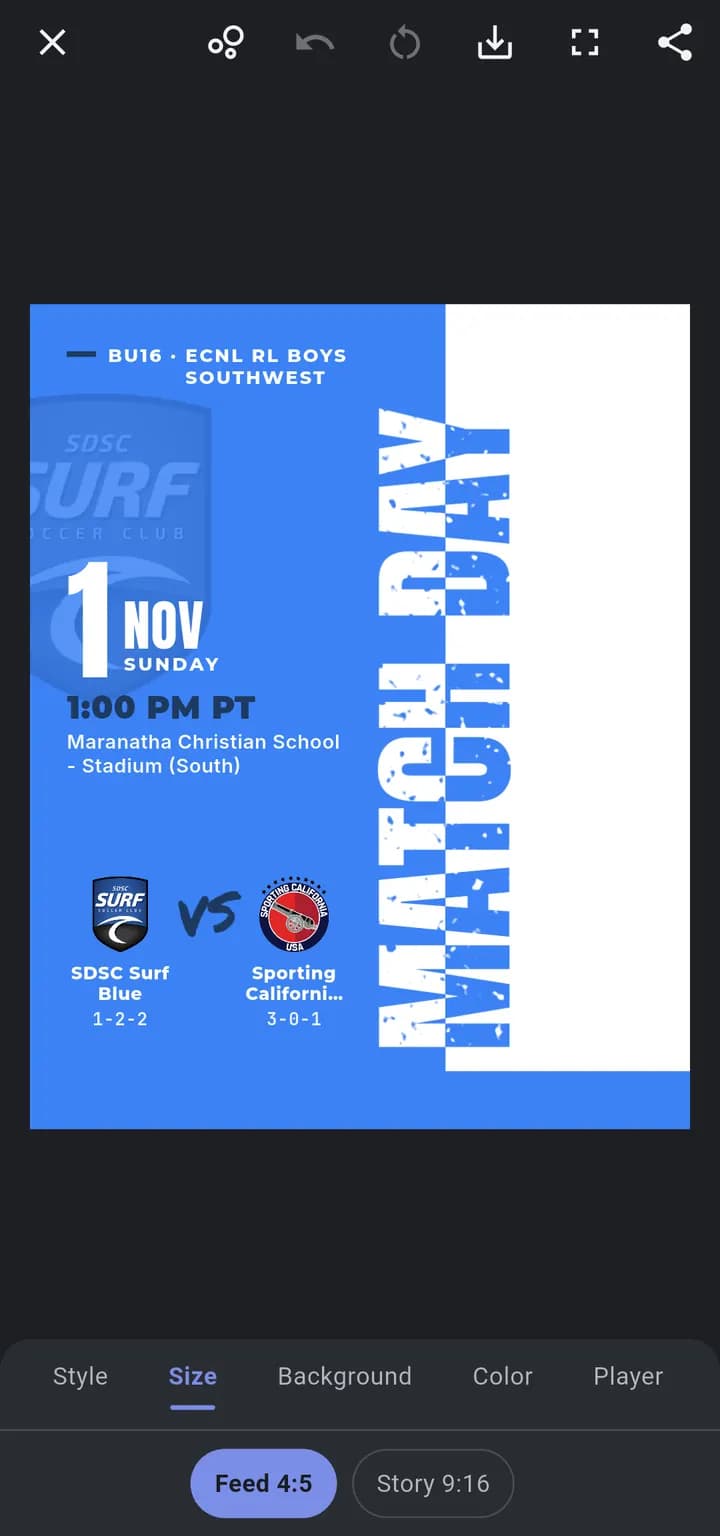
1Pick a design and tap Edit & Share
Step by step
Real screenshots from the app. Hover over a step, or tap through them, to see exactly where it happens on the screen.
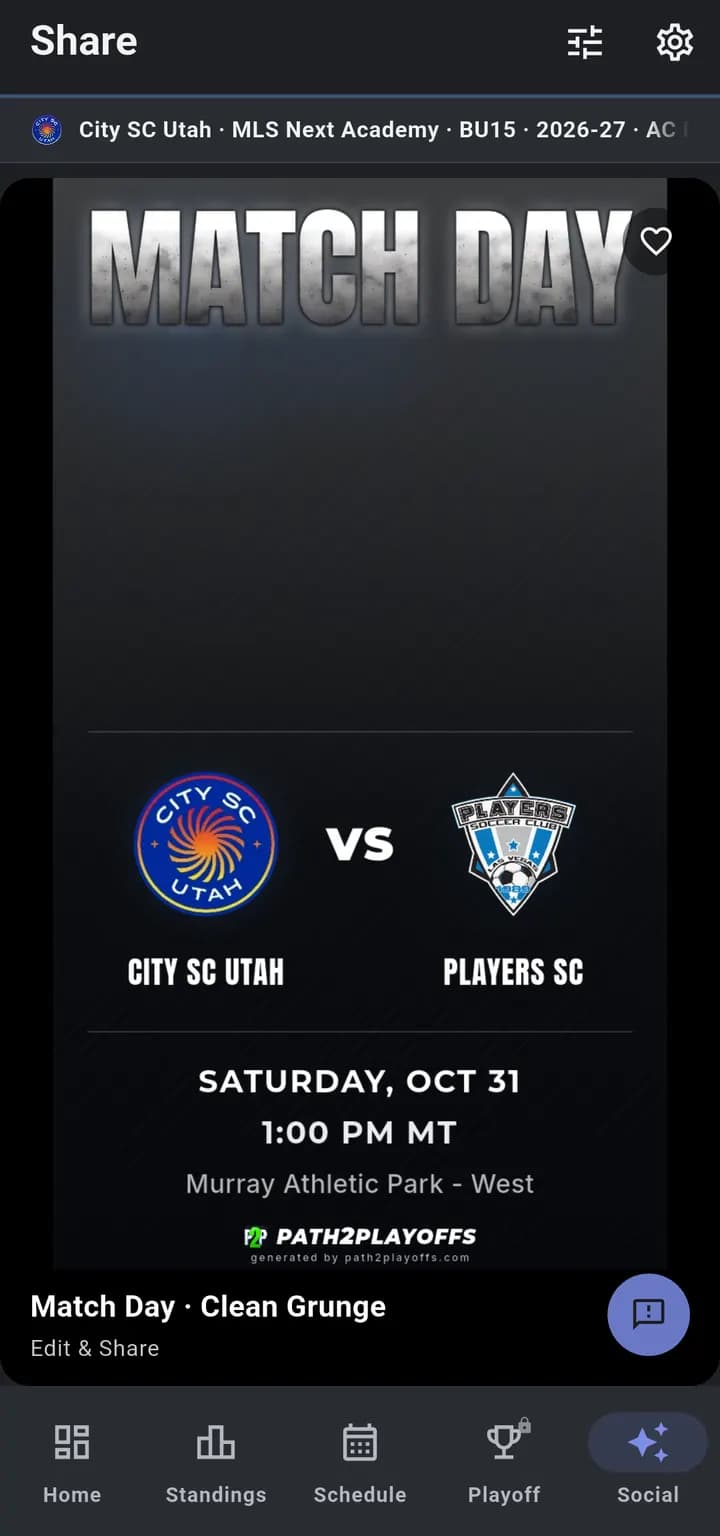
Open Social
Tap Social at the bottom of the app to see designs made for your team's next game.
Check the team
The bar at the top shows which team the graphics are for. Tap it to switch teams.
Choose a design
Scroll through the styles. Tap the heart to save a favorite, then use the filter to show only your favorites.
Edit and share
Tap Edit & Share to add a photo and pick a size for your feed or your story. Then save it to your photos or share it to Instagram, TikTok or the team chat.
Post like a pro media team
A good match day post usually means a design app, a hunt for both crests and an evening of nudging text around. Most team managers don't have that evening.
Path2Playoffs fills in the facts from your team's real schedule, so the post is right and ready in the time it takes to pick a style. It's free for everyone, no subscription needed.
Make your first match day post
Download Path2Playoffs free. Match day infographics are included for everyone.